
Comment
SAP Entities can have a global comment with a short description or some explanatory information. This comment is displayed in three places:
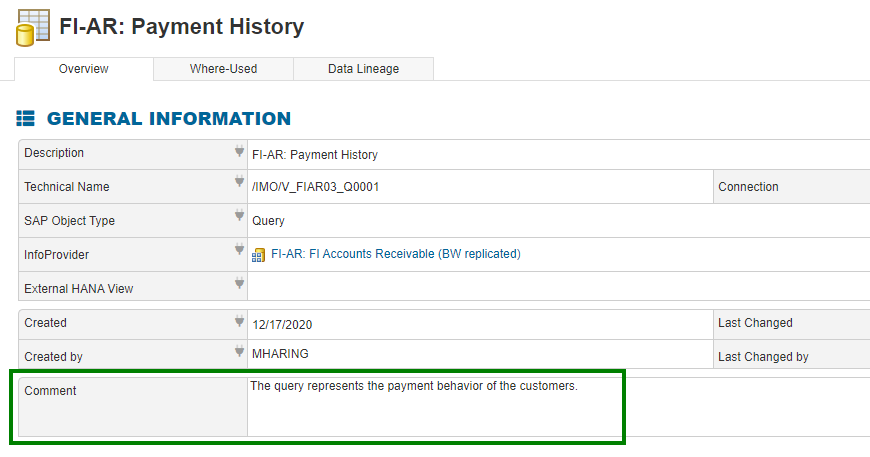
In the comment field of an Entity.
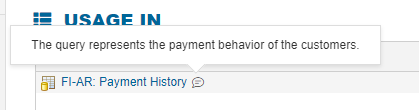
As a tooltip of a comment icon that is placed next to the name for SAP Entities with a comment. This icon and its tooltip are available on all places that this Entity is displayed, for example in the Where-Used of another Entity.
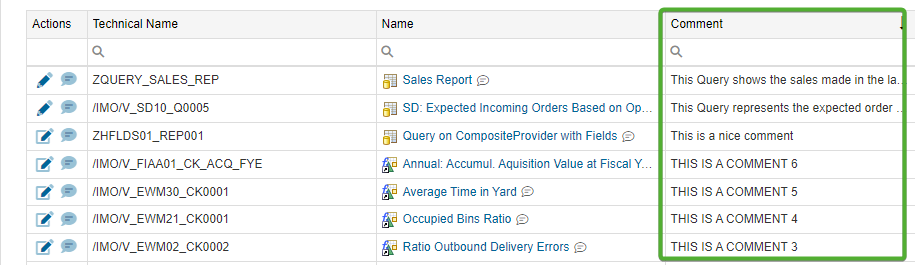
In the comment column of the SAP Entities grid.
All SAP Entities initially have the comment field in their templates:
This field cannot be filled with content in the entity editor but via two other ways:
SAP Entities > “Comment” button in the column “Actions”
In the View Mode of an Entity > Button “Comment”
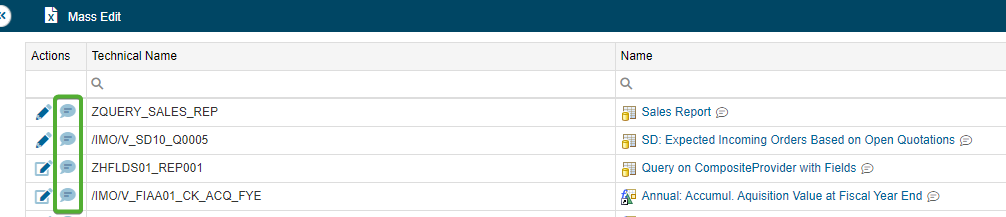

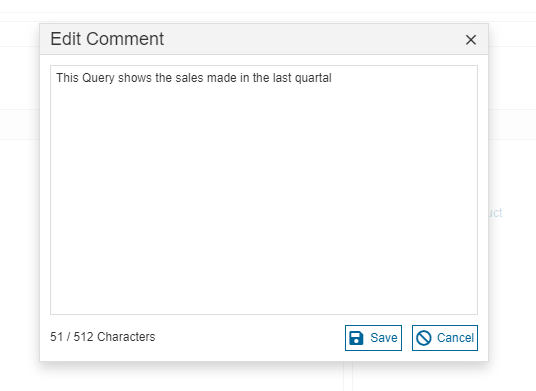
Then, the content of this field can be maintained & saved in the following popup window:
 The comments can also be added in bulk to the SAP entities via the "Mass Edit" button in the area “SAP Entities”.