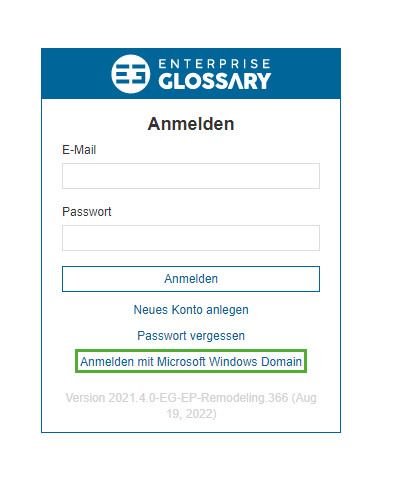
Login via Active Directory
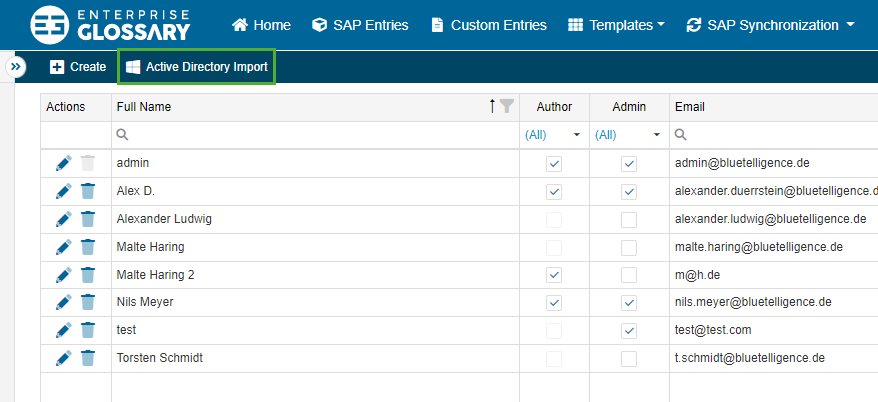
Users can also be imported via an Active Directory. To do this, click Active Directory Import.
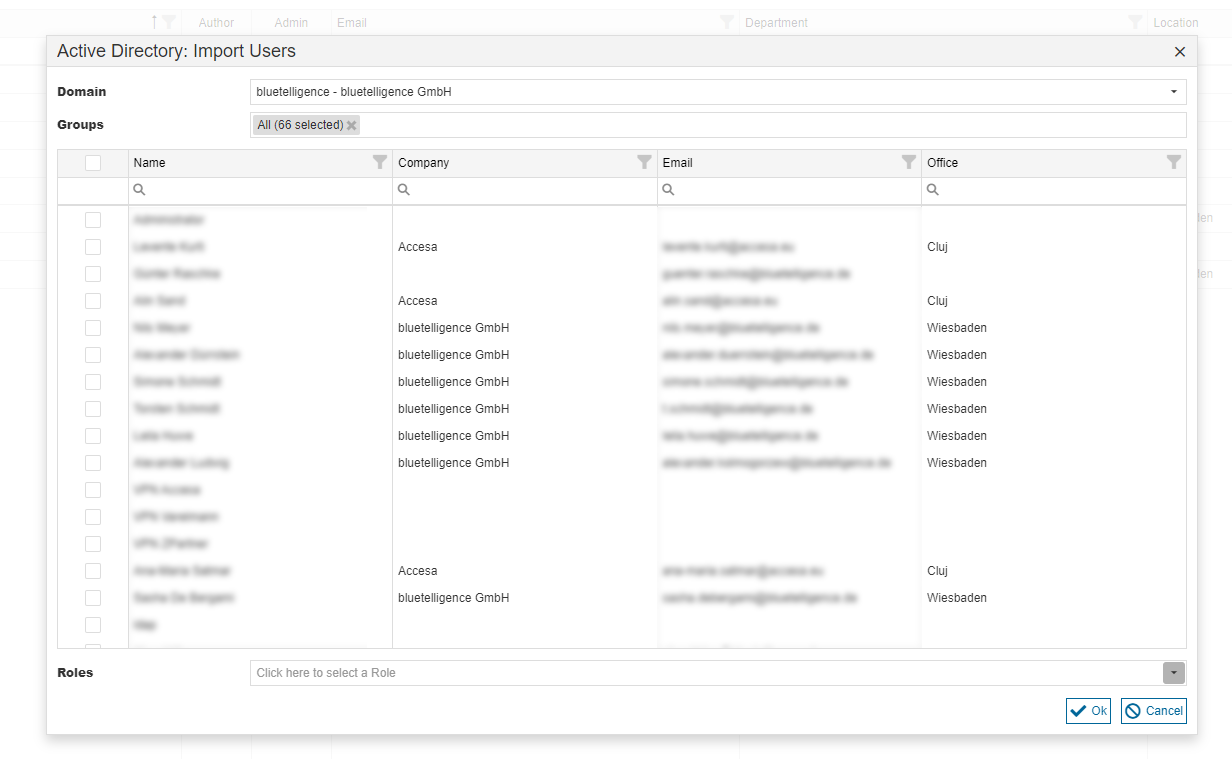
In the appearing pop-up, you have to select the domain and group. The domain first has to be maintained in the settings. The Users to be imported can then be selected in the table. Finally the roles, that should be assigned, can be selected in the dropdown.
The Users can then log into the Enterprise Glossary with their Windows Domain.